
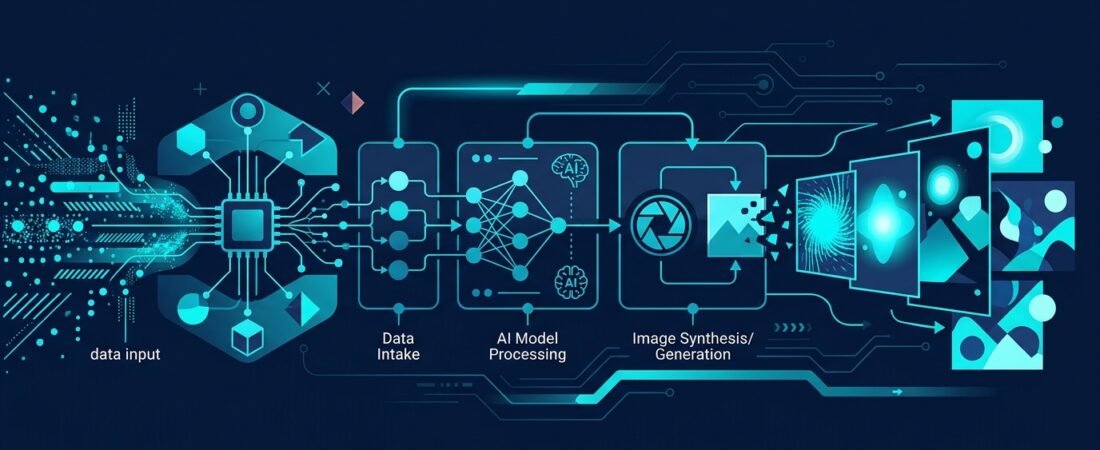
Managing images for multiple social media platforms often devolves into a repetitive cycle of resizing, cropping, and adjusting. I recently built an automated n8n workflow that generates platform-specific images from a single creative brief, eliminating this manual bottleneck entirely. This approach shifts your operational focus from tedious design adjustments to actual content strategy and execution.
The Multi-Platform Formatting Bottleneck
In today’s digital landscape, maintaining a consistent and visually appealing social media presence is a baseline requirement for businesses. However, the manual process of creating and formatting images for various platforms presents a significant operational challenge. Each platform dictates specific aspect ratios and resolutions to ensure optimal display. For instance, Instagram feeds prefer a 4:5 ratio, Stories and Shorts require a vertical 9:16 format, LinkedIn and Facebook favor a standard 1:1 square, while YouTube thumbnails and X (formerly Twitter) posts look best at a wide 16:9.
When marketing teams or IT personnel spend valuable time repeatedly generating, resizing, and adjusting images by hand for a single post idea, it consumes precious resources. This repetitive, labor-intensive task slows down content creation cycles and hinders a business’s ability to react quickly to market trends. While many users rely on standalone AI image generators paired with basic integration tools like Zapier or Make, these often still require manual intervention to handle cropping and layout adjustments. Some existing solutions offer APIs to generate branded images on the fly, or use spreadsheet triggers to automate graphics, but they frequently lack the granular control needed for precise multi-platform aspect ratio management.
To solve this formatting issue directly, I developed a custom n8n automation workflow. The solution operates on a highly efficient premise: a user provides a single creative brief and a list of target social media platforms via a webhook payload. The n8n workflow then intelligently takes over, planning and generating a unique image natively tailored to the precise aspect ratio required by each specified platform. By leveraging the advanced capabilities of Gemini 3.1 Flash Image (Nano Banana 2), the system generates high-quality 1K resolution images without the need for post-generation cropping.
Why This Matters for Small and Mid-Sized Businesses
For small and mid-sized businesses, resource allocation is critical. Manual resizing is not just tedious; it is an inefficient use of payroll. By automating this process, businesses can generate a complete, multi-platform social media image set from a single request. This significantly accelerates content creation and distribution efforts, reducing manual design work by up to 80 percent.
The efficiency gains translate directly to the bottom line. In this specific workflow, images are generated for approximately 3 to 4 cents each. When compared to the hourly rate of a designer or a social media manager spending 15 to 20 minutes per post just formatting and exporting files, the cost savings are substantial. Furthermore, eliminating this recurring manual bottleneck allows your team to shift their focus from repetitive tasks to strategic planning, community engagement, and higher-level creative initiatives. When your infrastructure handles the layout and formatting automatically, you can maintain a dynamic online presence without needing to scale up headcount.
Building the Automation Pipeline
Implementing this solution requires a structured approach to workflow design, API integration, and error handling. Here is a concrete step-by-step checklist to build a similar automated image generation system:
- Define the trigger mechanism: Start by setting up a Webhook node in n8n. This webhook acts as the entry point, receiving the initial JSON payload containing the text-based creative brief and an array of target platforms (e.g.,
["instagram", "linkedin", "youtube"]). - Map platform requirements: Create a data structure or use a Switch node within the workflow that maps each requested platform to its required aspect ratio. For example, map “instagram” to 4:5, “linkedin” to 1:1, and “youtube” to 16:9. This ensures the AI model receives precise dimensional parameters for every API call.
- Integrate the AI image model: Connect your workflow to an advanced image generation API via an HTTP Request node. In my project, I utilized Gemini 3.1 Flash Image (Nano Banana 2), which is highly effective at generating crisp 1K resolution images while adhering strictly to prompt constraints.
- Apply strict safety and branding rules: Configure the system prompt to enforce necessary safety rules. Explicitly instruct the AI to avoid generating text, logos, or real people unless the creative brief explicitly requests them. AI-generated text is often garbled, and unauthorized logos can cause immediate compliance and branding issues.
- Implement robust error handling: This is critical for batch processing multiple platforms at once. If an image is flagged or blocked by the AI provider’s safety filters for a particular platform, the workflow must catch this specific error. Configure the node settings to continue on fail, allowing the workflow to report the specific issue for that single image without crashing the entire batch. This ensures continuity for the other platforms in the request.
- Automate storage and delivery: Once the images are successfully generated, route the output files directly to cloud storage. In this workflow, I used the Google Drive node to automatically upload the 1K resolution images to a designated folder. The final step is to parse the upload response and return direct sharing links back to the user or the originating system.
Common Mistakes in Image Automation
When building automated content pipelines, several pitfalls can disrupt operations. The most frequent mistake is neglecting granular error handling in batch processes. If your workflow attempts to generate four images and the second one triggers an overzealous safety filter, a poorly designed automation will fail entirely, discarding the successful images and halting the process. You must handle errors at the individual iteration level.
Another common error is failing to enforce negative prompts. Without strict, explicit instructions to avoid text and logos, AI models frequently hallucinate illegible characters or approximate brand marks, rendering the image unusable for professional business accounts. Finally, relying on a single square aspect ratio and attempting to automatically crop it later for vertical or wide formats often results in poorly framed subjects. Generating the image natively in the target aspect ratio yields vastly superior composition and saves significant post-processing headaches.
Key Takeaways
- Manual image resizing across different social media platforms creates a significant operational bottleneck and wastes valuable labor hours.
- Automating image generation using n8n and models like Gemini 3.1 Flash Image allows for the native creation of platform-specific aspect ratios directly from a single prompt.
- Implementing robust, node-level error handling ensures that a single flagged image does not fail an entire multi-platform batch process.
- This automated approach reduces per-image generation costs to roughly 3-4 cents, freeing up budget and resources for high-level strategic initiatives.
Sources
- Generate Social Media Image Posts with AI | ArtificialStudio [1]
- Generate Free AI Social Media Images Online with Recraft [2]
- Automated Image Generation for Blog & Social Media [3]
- Free AI Social Media Content Generation Automation – Community Archive – Make Community [4]
- How to Auto-Generate Social Media Graphics at Scale using AI [5]
- ✨🤖Automate Multi-Platform Social Media Content Creation with AI | n8n workflow template [6]
Need a hand with this? CyberResonance helps small and mid-sized businesses with security audits, penetration testing and production-grade n8n automation. See the services or learn more about Kacper.